How to check portal rewards on open-box and refurbished items
Compare the exact condition, included accessories, and portal eligibility before choosing a new or discounted item.

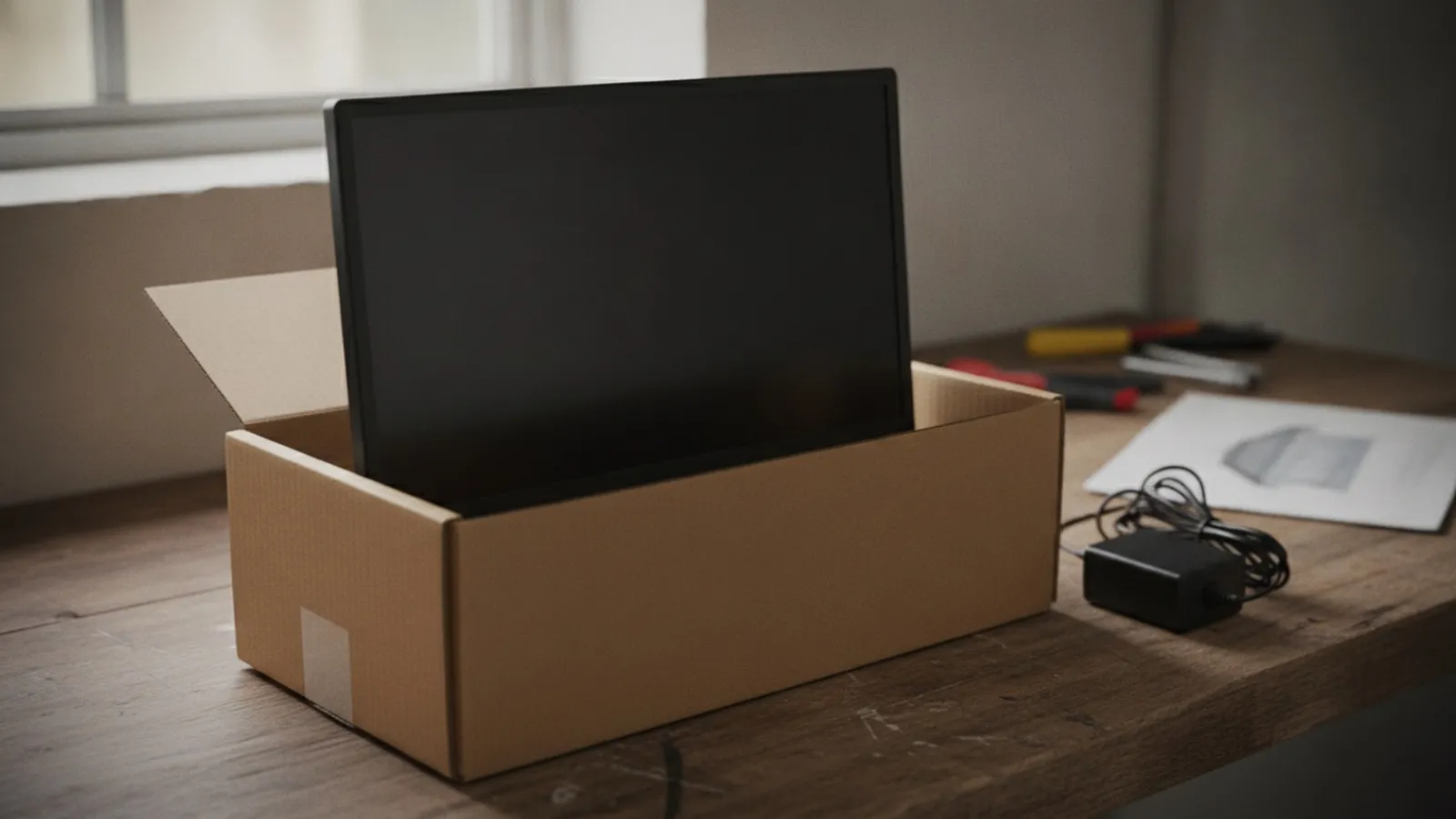
When comparing an open-box or refurbished item with a new one, read the portal terms for the item’s actual condition and listing. Use the lower checkout price where it applies, then check whether the reward changes with the condition. Compare the total with the accessories, delivery and return terms you would accept for that purchase.
A search result may show a broad store rate beside a much narrower product price. Start with the item you could buy today. Bring its exact condition, seller and product identifier into the comparison before relying on the portal percentage.
Read the condition on the listing you plan to buy
Look for the model, seller, condition and included accessories. Open the condition notes. Check the applicable warranty and return terms for that listing before comparing it with new inventory. A missing accessory or a different return window can change whether the lower price suits you.
Best Buy’s Outlet FAQ says customer returns or display units can be sold as open-box products after testing or inspection and that conditions vary. Apple’s US Certified Refurbished page describes a separate program with its standard limited warranty for products in that program. Use the retailer’s condition and coverage description for the item you are considering. Do not generalize one program’s rules to a different seller. Best Buy Outlet FAQ (checked November 23, 2026) · Apple Certified Refurbished program (checked November 23, 2026)
If the listing offers several grades, note the one in your final cart and compare the actual price for that grade. If one option does not come with what you need to use the product, include the cost to get those pieces.
Check whether the portal treats that condition differently
Open the retailer’s exclusions and look for terms about outlet inventory, open-box items, refurbished or renewed products, and separate storefronts. Check whether the item uses a different rate, is excluded, or needs a different entry point. Rakuten’s general terms say the reward varies by brand and category and that the offer and store page can have exclusions. They leave the eligibility of your exact item to the applicable terms. Rakuten Rewards Exclusions (checked November 23, 2026)
Look at the seller separately if an external merchant lists the item. An outlet condition and a third-party seller are different details. Tell support which one you want to check if the terms do not give you an answer. Ask about the exact model, condition and store page you will use.
Compare price after replacement parts and eligible rewards
Hypothetical example. A new monitor is $310, including the stand you need. An open-box monitor of the same model is $265 and needs a replacement stand costing $22. Assume all other purchase conditions work for you. The fictional portal offers 8% on the new monitor and excludes the open-box unit and stand. Ignore tax and delivery for this example.
| Option | Monitor | Additional stand | Estimated portal reward | Effective cost |
|---|---|---|---|---|
| New | $310 | $0 | $24.80 | $285.20 |
| Open-box | $265 | $22 | $0 | $287.00 |
The new monitor would cost $1.80 less if that reward pays. At checkout it still costs $23 more. Without a confirmed basis for the portal estimate, the open-box path is cheaper before rewards if you can buy the stand for $22 and use it with the monitor.
If the new monitor’s eligible payout is lower than $23, open-box wins on price in this scenario. If the open-box unit includes the stand, its $265 price is $20.20 below the new option after the example reward. Inspect the actual listing and calculate again if availability changes.
If there are several versions of the same listing, fill out a separate line for each. A factory-refurbished unit may come with the accessory while another unit is sold without it. Record the exact description and keep the amount for an unknown piece provisional until you know what it costs. If the portal lists a condition you cannot match to the checkout, use the price without a portal reward to make the first comparison.
For an item you may need to return, look at the conditions of the actual order. Some options may require a different location or shipping route. Choose a purchase you can use and keep before relying on a small estimated difference.
Save enough detail to identify the purchase
Keep the item page or receipt with the condition, seller and model. Save the portal listing and the specific rate or exclusion you used. If the store substitutes a different unit or relists an item, confirm the new details before comparing. Use the recordkeeping guide for what to retain after purchase.
A new device with a nearly identical name can be a different model year or include something the discounted unit lacks. Compare the feature or accessory you need before focusing on the price. If a difference makes one option unsuitable, leave it out and compare the alternatives you would actually keep.
Common questions
Does retailer certification make a refurbished product count as new for rewards? Read the portal’s condition wording and check the exact listing. The retailer’s testing or warranty description answers a different question.
What if the listing skips the included accessories? Check with the seller or compare a conservative price that includes what you may need to replace. Recalculate when you know what is included.
What if I would rather buy new at the same cost? Use the purchase terms and the cost you can verify. A small uncertain reward may give too little reason to choose a condition you would prefer to avoid.
General information for US shoppers. Rewards depend on the applicable terms.
Sources
Sources checked November 23, 2026.