Buying online for store pickup? Check which rewards still apply
Compare delivery, prepaid pickup and in-store payment before counting a shopping portal reward or a card-linked offer.

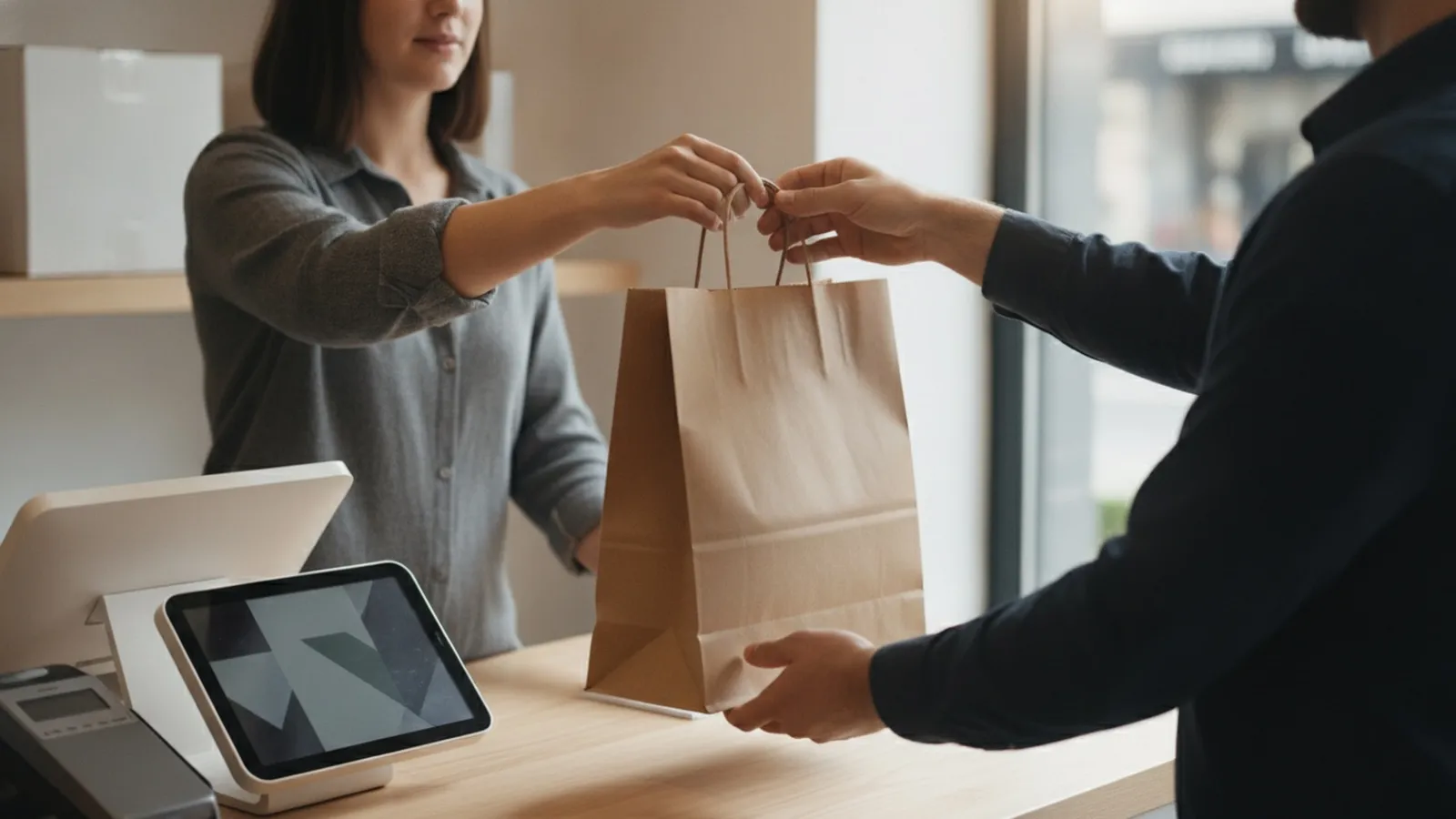
When you choose store pickup, start by checking where you complete the purchase. Paying on the retailer’s website and picking up the order later is one arrangement. Reserving the item online and paying at the register is another. The portal, card issuer and retailer each have terms you can check before you decide which route to use.
Say you need a printer by tomorrow. You can have it shipped, pay online and collect it after work, or ask a store to hold it until you can buy it. Before you compare the rewards, look at the price, availability and timing for each option. Pickup can still suit you if it gets you the printer on time at a price you can accept on its own.
Identify the checkout path
| Shopping path | Where you place and pay for the order | What to check |
|---|---|---|
| Order online for delivery | At online checkout | Eligible seller and item, coupon rules, shipping cost and purchase deadline |
| Pay online for store pickup | At online checkout, with collection later | Pickup exclusions, how the retailer handles payment, and which store will fulfill the order |
| Reserve online and pay in store | At the store register, after a reservation | Separate in-store rewards terms, eligible card and location, and the price at the register |
Read the retailer’s order instructions as well as the labels on the buttons. Best Buy, for example, says to choose Store Pickup at checkout, place the order and wait for a separate ready-for-pickup email. Its instructions also explain that a missed pickup can lead to cancellation and a refund. That confirms how Best Buy’s pickup process works. For a particular reward, read the applicable portal or issuer terms. Best Buy Store Pickup (checked November 23, 2026)
If a retailer only holds the item until you arrive, ask when the sale is completed and what receipt you’ll get. This is especially worth checking if the website sends you a reservation number that looks like an order number.

Check the portal listing for the retailer
Open the retailer’s page in your portal and read the exclusions before activating a shopping session. Look for wording about store pickup, curbside pickup, online-only orders, marketplace sellers or specific product categories. Search the full terms as well as the rate summary. Rakuten’s help page, for example, directs shoppers to store-specific exclusions on the activation page. Rakuten help on cash-back exclusions (checked November 23, 2026)
If the terms permit your pickup path, follow the portal’s instructions through checkout and save the confirmation. If the language leaves pickup unclear, ask how that portal treats an order placed and paid for online, with collection at the named store. Use zero for that reward in your price comparison until you have enough information to count it.
If you will pay at the register, look for a separate in-store offer and follow its own instructions if one applies. A website reservation by itself gives you a place to start the conversation with the store. Check what the rewards program requires for the final sale. See how portal tracking works for what to save from an online shopping session.
Check the card offer against the final payment
Open the offer in your card account. Look for enrollment, an eligible website or store, minimum spend and the deadline. For example, the Amex Offers program requires enrollment on the eligible card, bases an offer’s minimum purchase requirement on what is charged to that card, and relies on merchant data to recognize the purchase. The specific offer sets its own conditions. American Express Offers Program Terms (checked November 23, 2026)
If paying online for pickup, check whether the retailer will charge the card at checkout or later. Read the offer’s timing wording and check with the issuer if the charge could fall near the deadline. If you pay at the register, read the terms for whether the store and payment qualify. Any store loyalty points or pickup discounts have their own conditions as well. See how card-linked offers and portal rewards interact.
Make the decision with the costs you can see
Hypothetical example. A printer costs $160 before tax. Delivery is $8. Pickup is free and you can collect it on a trip you’re already making. A portal reward would be $6 if it applies. The confirmed checkout prices are $168 with delivery and $160 with pickup before tax. Even if the $6 only applies to delivery, the delivery estimate is $162 before tax. Pickup still costs $2 less in this example, and you can make that choice without relying on the portal.
Check the receipt after collection. If staff cancel an online order and ring up a replacement, treat the replacement as a new transaction and revisit both rewards. Save both receipts so you can explain the change if you need to.
Common questions
Will a pickup confirmation prove an online offer qualified? It shows the retailer has a pickup order. Compare the purchase receipt, merchant and payment timing with the actual offer terms.
What if I change from delivery to pickup? Ask whether the retailer will keep the original transaction or cancel it and create another. Check the reward conditions against the final transaction.
Should I pay online if I need the item today? Confirm that your store has stock and can have it ready in time. Compare the price you will pay even if an uncertain reward never posts.
This guide provides general information for US shoppers. Rewards depend on the terms of each offer.
Sources
Sources checked November 23, 2026.